How to Build a Maker Engineering Portfolio That Gets You Hired
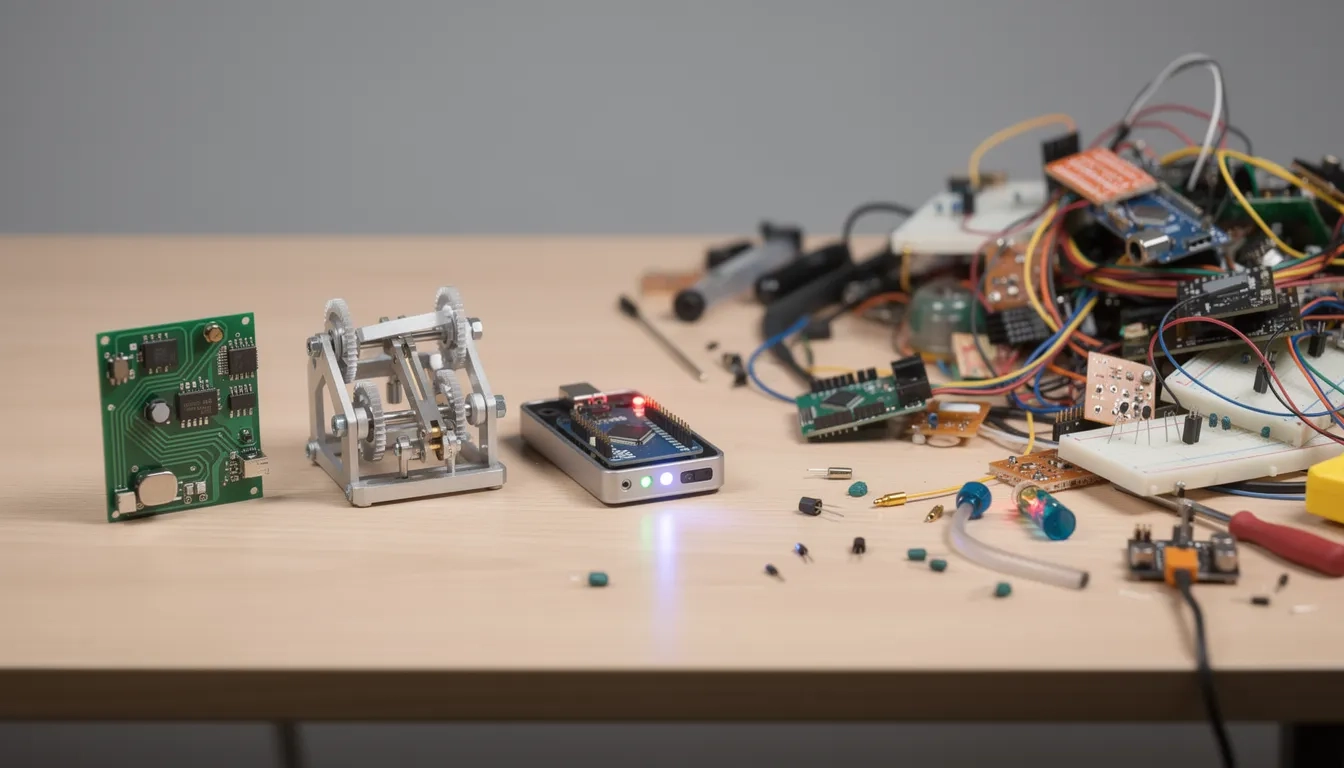
Most maker portfolios fail in the first 30 seconds. Not because the work is bad. Because the documentation is a disaster. The engineer knows exactly what they built. The recruiter doesn't. And when a hiring manager is scanning portfolios on a Thursday afternoon, gaps in context don't get charitable readings.
The elephant in the room for maker portfolios: software engineers solved this years ago with GitHub. Push code, your commit history is the documentation, and anyone can clone and run it. Hardware doesn't have that. Your KiCad board files don't explain why you chose that specific power topology. A finished PCB in a photo looks like a green rectangle to anyone who wasn't there when you built it. Bridging that gap is 90% of what a great maker portfolio actually does.
The Project Selection Problem
This is where most people spend too little time and make a consequential mistake: more projects do not mean more impressive. A portfolio stuffed with 18 half-finished builds signals that you start things without finishing them.
The sweet spot, based on what career teams at Washington University and MIT's Mechanical Engineering Communication Lab both recommend, is 4 to 6 projects. Each one fully documented, each one chosen deliberately. The question isn't "is this technically interesting?" It's "does this show a skill the person reading this cares about?"
Use this filter before including any project:
- Does it demonstrate a skill relevant to the role you're targeting?
- Do you have process documentation, not just a finished photo?
- Can you clearly state the problem it solved and a tradeoff you made?
- Is there something non-trivial in it — something you had to figure out?
If a project fails three of those four criteria, it probably shouldn't be in your lead lineup. Archive it, don't delete it. You may need it when tailoring for a different audience later.
Document Like a Journalist, Not Like an Engineer
Here's the single biggest mistake makers make: they photograph the finished product and call it documentation. The finished board is the least interesting part of the story. What's interesting is the version that didn't work and why, the constraint that forced a specific design choice, the 11-hour debugging session that revealed the I2C bus was fighting a boot sequence.
"Document your work while you're doing the project. Gathering sophomore-year photos later is significantly harder than capturing them in real-time." — MIT Mechanical Engineering Communication Lab
That quote sounds obvious. Almost no one follows it. The typical maker gets deep into a build, ships it, and then tries to reconstruct what they did from memory six months later when they're applying for jobs. The result is vague write-ups that could describe any project.
Treat documentation as a parallel deliverable. Keep a build log — a voice memo, rough phone photos, a running Notion page — as you go. You don't need professional lighting. You need coverage.
What to capture at each build phase
During design:
- Schematic screenshots with brief annotations
- Sketches, hand-drawn or digital
- Notes on why you rejected alternative approaches
During build:
- Photos at major assembly milestones, before enclosures go on
- Video of the first time something actually works (even shaky phone footage)
- Photos of failures and what they looked like physically
After completion:
- Clean "hero" shots with decent lighting
- A demo video, even 90 seconds on a phone
- Any measurements, test results, or performance numbers you can cite
MIT's comm lab recommends allocating roughly 70% of each project page to visuals. That's not decoration — it's how engineers actually communicate across technical backgrounds.
The Architecture of a Strong Project Page
MIT's Mechanical Engineering Communication Lab advocates for what they call the inverted pyramid structure: lead with the outcome, not the backstory. Most engineers write narratives chronologically. "First, I decided to build a... Then I researched... Then I began designing..." By the time the reader arrives at why any of this matters, they've moved on.
Flip it. Start with what you made and what it does. Then layer in process for readers who want depth.
A solid project page structure:
- Title — specific and outcome-focused, not "Arduino Project #3"
- Outcome summary — one or two sentences: what it does, what it proved
- Your role — especially for team projects; be specific about what you owned
- The technical problem — what made this non-trivial to solve
- Process highlights — 4 to 6 visuals with brief captions showing progression
- Key decision — one tradeoff you made and why (interviewers will ask about this)
- Results or measurements — concrete numbers, not vague claims
Strong action verbs make a measurable difference here. MIT's comm lab flags this specifically. "Designed the power regulation subsystem and achieved a 31% reduction in quiescent current" reads entirely differently than "helped with power stuff." Every bullet should use a past-tense verb you fully own.
Where to Host and How to Share
Platform choice matters more for hardware than for software. A software portfolio can live almost entirely on GitHub. A maker portfolio needs visuals, context, and often video — none of which GitHub README files handle gracefully.
| Platform | Best for | Limitation |
|---|---|---|
| Personal website (Squarespace, Wix, Cargo) | Full control, rich media, video embeds | Setup time, ongoing maintenance |
| GitHub Pages | Code-heavy projects with firmware | Poor visuals, no video embedding |
| PDF portfolio | In-person interviews, tailored versions | Static, can't embed media |
| Hackster.io / Hackaday | Community visibility, hardware-specific | Less polished, limited customization |
| Notion | Quick setup, clean shareable links | Generic look, limited design control |
For PCB and electronics work, cloud-based design tools like Flux let you share board files via URL. That solves a real problem: hiring managers who want to look at your schematic shouldn't have to install Altium Designer and unzip a file to do it.
My take: the portfolio that's actually finished and shared beats the portfolio that's perfectly designed but never sent. A well-structured Notion portfolio you ship this week beats a Squarespace site you spend three months fussing over.
Tailoring Your Portfolio to the Role
Here's something counterintuitive: a single version of your portfolio is probably the wrong fit for any specific role. One static document sent to every employer is a missed opportunity.
Consider a project involving a custom prosthetic hand actuator. Apply to a robotics startup and you'd foreground the servo control algorithm and torque calculations. Apply to a medical device company and you'd emphasize the human-centered design process, the ergonomic tradeoffs, and how you incorporated user feedback. Same project. Different emphasis. Because different readers care about different things.
The practical approach is to maintain a master portfolio with everything fully documented, then build targeted 4-to-6-project versions for specific applications. It takes an extra 45 minutes per application. It's one of the higher-return time investments in the entire job search.
The same logic applies when targeting different contexts. MIT's admissions office wants to see intellectual curiosity and original thinking. A defense contractor wants to see you can follow a structured design process and document decisions. A research lab wants to see measurement rigor. None of those versions are dishonest — they're pulling different threads from the same body of work.
Building in Public: The Underrated Strategy
Sharing your work online before job application season is not self-promotion. It's evidence collection. A project posted on Hackaday with 847 upvotes and 23 comments is social proof that real engineers found it interesting. That's not something you can fabricate in a resume line.
The maker community on Hackaday, Hackster.io, and r/electronics gives you something most portfolios lack: external validation. Comments from other engineers pointing out edge cases, or people asking for your design files, create a credibility trail. When you include that project in your portfolio, you can link to the community response.
Contributing to open-source hardware projects works similarly. If your pull request to KiCad's footprint library got merged, or you maintain a well-starred repository for a custom sensor breakout board, those items verify themselves. They didn't live in a folder on your laptop. They lived in public where other engineers scrutinized them.
One underappreciated benefit of building in public: it forces documentation as you go. You can't post a project update without explaining what you built and why. That habit, built over months, means you already have everything you need when it's time to apply.
The 5 Most Common Portfolio Mistakes
These show up repeatedly, and each one quietly undermines an otherwise solid body of work:
Showing only finished, perfect builds. Iteration is the skill. If every project looks like it sprang fully-formed from your head, that reads as unrealistic. Hiring managers know engineering is messy.
Missing your specific role. "We built a line-following robot" tells a hiring manager nothing. "I wrote the motor control firmware and tuned the PID loop across 14 test runs" tells them everything.
Broken links and outdated files. According to WashU's Center for Career Engagement, dead links are among the most common portfolio errors. Set a quarterly calendar reminder to verify every link and confirm every GitHub repo is still public.
No explanation of tradeoffs. The decisions you didn't make matter as much as the ones you did. Why I2C over SPI? Why a custom PCB instead of a breakout board? Tradeoff reasoning is what separates engineers from hobbyists.
Starting documentation too late. By the time you're applying for jobs, those first messy breadboard versions are usually long gone. The $47 project with detailed process documentation beats the $2,300 project with only a hero photo.
Bottom Line
A maker engineering portfolio is proof of work. The goal is to let someone who wasn't in the room understand what you built, why the problem was hard, and what you specifically did to solve it.
- Start documenting now, even mid-project. Every day you wait is process shots you won't have.
- Pick 4 to 6 projects and go deep on each, rather than listing 20 builds with shallow writeups.
- Lead with outcomes, not chronology. Your project page should answer "so what?" in the first two sentences.
- Tailor for each application. Your master portfolio is for you; the version you send is for them.
- Build in public on Hackaday or Hackster. Community engagement creates external validation you can't manufacture.
Frequently Asked Questions
Does my maker portfolio need to include only finished products?
No — and some hiring managers actively prefer seeing unfinished or failed projects alongside successful ones. The key is context: if you include a work-in-progress, explain what you learned, what stopped you, or what's still in progress and why. A project that failed interestingly tells a hiring manager more than one that succeeded without explanation.
How long should each project write-up be?
MIT's Mechanical Engineering Communication Lab recommends that each project page should be scannable in 30 to 60 seconds. In practice, that means roughly 200 to 400 words of text per project, supported by 4 to 6 images or a short video. Technical depth can live in a linked GitHub README or appendix for readers who want to go further.
Is GitHub enough for a hardware engineering portfolio?
For firmware and embedded software, GitHub works well. For the hardware side — schematics, PCB layouts, mechanical designs — it falls short because the files aren't human-readable in a browser. Pair GitHub with a dedicated project page that includes rendered schematic images, board layout screenshots, and build photos. Cloud-based PCB tools like Flux make it easy to share interactive designs via a simple URL.
What if I don't have many projects yet?
Build one project and document it exceptionally well, rather than rushing to collect several thin ones. A single build with a clear problem statement, documented process, accessible design files, and measured results is more credible than five poorly explained builds. While you're building, contribute to an open-source hardware project — even small contributions demonstrate collaboration and technical judgment to reviewers.
Myth vs. reality: does a polished-looking portfolio matter more than its content?
Visual design matters far less than clarity. A basic Notion page with well-written project narratives and sharp photos consistently outperforms elaborate portfolio sites with thin content. Recruiters at hardware companies are engineers themselves — they'll read a schematic if you put one there. What they can't look past is missing information and vague descriptions. Ship clean content on a simple platform before spending weeks on aesthetic polish.
How often should I update my maker portfolio?
Any time you finish a project worth documenting, and at a bare minimum every three months. Stale portfolios signal stagnation. Beyond adding projects, do a link audit each quarter — verify GitHub repos are public, demo videos still load, and any hosted PCB designs are still accessible. One broken link during a hiring process can cost you the callback.
Sources
- Create a Hardware Engineering Portfolio That Gets Results | Built In
- Portfolio | MIT Mechanical Engineering Communication Lab
- Build a STEM or Maker Portfolio for College | IvyWise
- How to Create an Engineering Portfolio | Washington University in St. Louis
- How to Build a Stunning Engineering Portfolio in 8 Steps | freelance.pizza
- Building a Portfolio | NYU Tandon School of Engineering